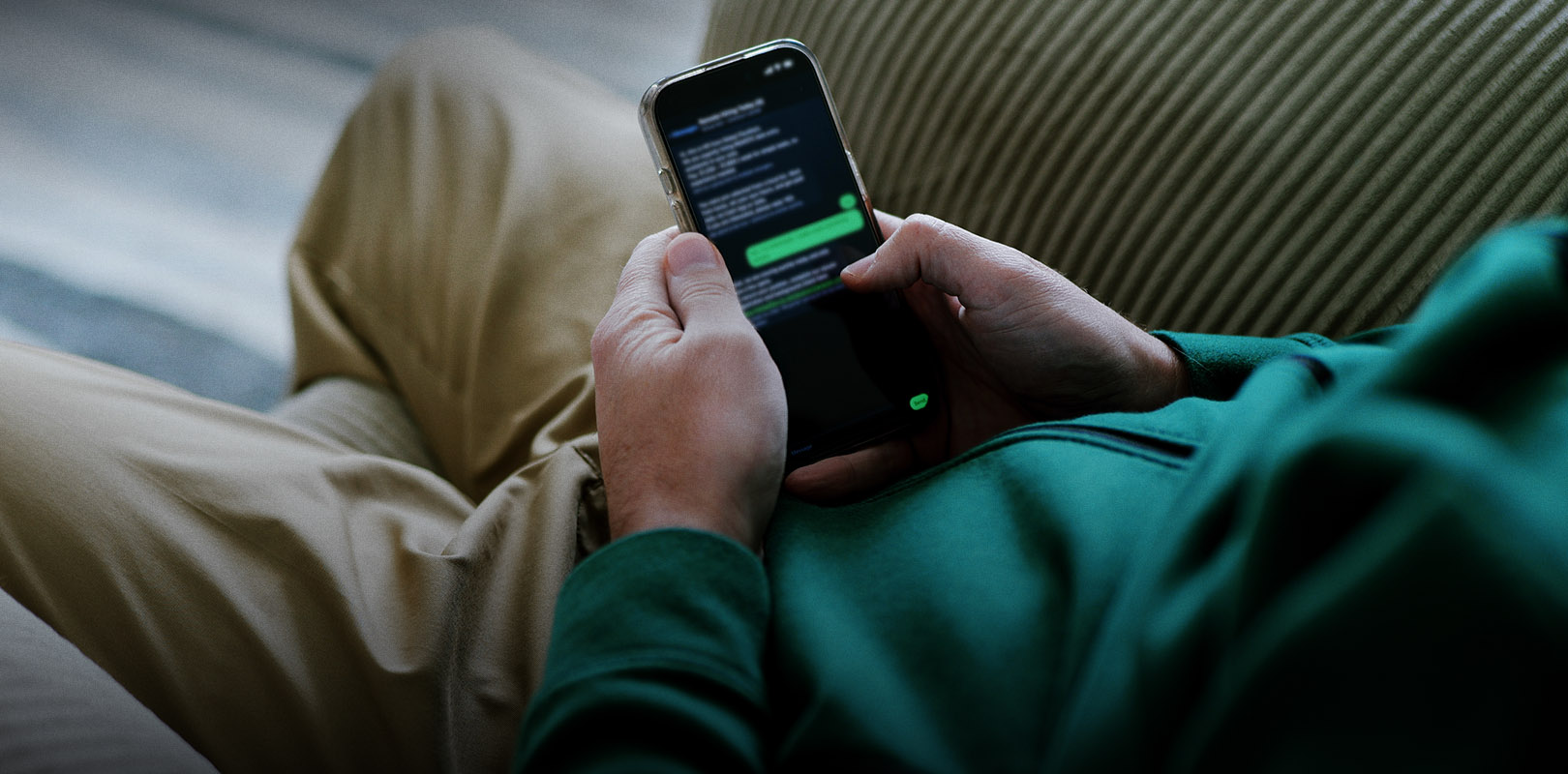
You receive an SMS on your mobile that appears to have been sent by your bank. The sender’s name may be the same as, or very similar to, the one you are accustomed to seeing in genuine messages from the bank.
The SMS may state that your account or card has been blocked, that suspicious activity has been detected or that your details require immediate updating. It usually includes a link and asks you to click on it immediately.
The link leads to a fake webpage, where you are asked to enter personal details, banking details, e-Banking credentials or one-time-passcodes (OTP).
Remember: The fact that an SMS appears to have been sent by your bank does not necessarily mean it is genuine. Usually, a fraudulent SMS does not mention your name or a specific account, and it may contain spelling or grammatical errors, or unusual phrasing.
Scammers send an email that appears to have been sent by your bank. The message may state that suspicious activity has been detected, that your account has been locked or that you need to update your details immediately.
The email usually includes a link and asks you to follow it to resolve the issue. However, the link leads to a fake website, which may look very similar to the bank’s actual website.
If you enter your e-Banking credentials, your card details or one-time-passcodes (OTP), scammers may use them to gain access to your funds or carry out transactions without your authorisation.
This practice is called phishing.
Remember: The fact that an email appears to have been sent by your bank does not necessarily mean it is genuine. Fraudulent emails often don’t mention your name or a specific account, and they may contain spelling or grammatical errors, or unusual phrasing.
What to look out for
If you receive a suspicious message, especially one asking you to take immediate action:
- Ignore any message asking you to disclose personal or banking details. Eurobank will never send you a message asking you to disclose your details, such as account and card details, PIN and e-Banking credentials.
- Do not click on links you receive by email or SMS to log into your e-Banking or to update your details. If you want to check your account or card, log directly into e-Banking or the Eurobank Mobile App.
- Never disclose e-Banking credentials, your card details or one-time-passcodes (OTP) on webpages you opened via a link in an email or SMS.
- Always read carefully the description of the message when you receive a one-time-passcode (OTP). Make sure that the code relates to a transaction or action you’ve initiated.
Moreover, you can activate notifications, so that you are immediately informed about any activity on your accounts and cards through push notification, email, Viber or SMS.
Only for IRIS payments
Especially for IRIS payments, you may receive an SMS from a user who has sent you money through the service.
This message will contain a secure Eurobank link that will lead you to a safe webpage. There you will be asked to fill in just your IBAN and full name to receive the money.
Electronic message security certification
In most emails we send you, you can see the security certification area at the start of the message. The purpose of this is to certify the authenticity of the email so that we can protect you against phishing attempts.
Always check that your account details appear correctly in this area.
Information from the HBA
You may find out more about scams involving your identity details from the Hellenic Bank Association:
- What is identity theft and what are its common methods (only in Greek).
- How to identify and protect yourself against identity theft (only in Greek).
If you receive a suspicious message
Call EuroPhone Banking immediately, 24/7, on +302109555000 if you have doubts about the authenticity of a message.
If you’ve been scammed
If you’ve entered details on a suspicious webpage, have disclosed credentials or have identified transactions which you did not make or approve:
- Notify the police.
- Call EuroPhone Banking immediately on +302109555000.